
At first glance most SMS gateways work the same way: you add contacts, type the message and start the send. The differences show up later - when you want to scale up, automate notifications, connect SMS with your CRM or online store, or keep tight control over campaign costs.
SMS gateways for business differ not only in price, but also in features, integration options and reporting. That is why the price of a single message should not be your only criterion. Billing of longer messages, reporting, sender name, panel usability, integrations, data security and quality of support matter too.
A good SMS system should fit above all the way your company will actually use it. A marketer preparing a few campaigns a month needs different features than an online store that wants to send order updates automatically.
Before you start comparing price lists, decide what should trigger the send. Will an employee prepare campaigns in the panel? Should a message go out automatically after a specific event? Or should communication be handled directly from your CRM, store or another system?
| Business need | Which features to look for? | Approximate scale |
|---|---|---|
| Manually sent campaigns | Panel, contact import, personalization, scheduling, reports | From a few hundred to over ten thousand messages |
| Automatic notifications | API, delivery statuses, SMS triggered by a specific event | From single messages to thousands a day |
| Sending from a CRM, store or other system | A ready-made integration or an SMS API gateway | Depends on the number of customers and events |
If you send a few campaigns a month, a convenient panel may be all you need. When an SMS has to go out automatically after a purchase, an order status change, a customer sign-up or before an appointment, you need an API or a ready-made integration.
This distinction lets you quickly rule out solutions that offer plenty of features but do not meet the real needs of your team.
You can treat the table below as a checklist when comparing offers from several providers.
| Criterion | What to check? | Question for the provider | Test result |
|---|---|---|---|
| Total cost | The rate at your volume, top-up rules, SMS segments, extra fees and international sending | How much will I actually pay for a campaign? | |
| Delivery | Statuses, error handling and reports | How will I know which messages were delivered? | |
| Sender name | Terms, cost and activation time of the sender name | How long does it take to activate my own sender name? | |
| Panel | Contact import, personalization and scheduling | Can I test the entire sending process? | |
| API and integrations | Documentation, statuses, errors and ready-made integrations | How do I connect SMS to my system? | |
| Reporting | Sending data, costs and export of results | What data will I get after a campaign? | |
| Data and compliance | How data is stored, user access, and handling of consents and opt-outs | How is customer data protected? | |
| Support | Support hours, onboarding help and how issues are reported | What help can I count on? |
The per-message rate is only one part of the cost. Before choosing, also check the top-up rules, how longer messages are billed, extra fees, terms for larger volumes and prices for messages sent abroad.
This matters especially if the number of messages you send will grow. In a small campaign the rate difference may be barely noticeable, but at tens or hundreds of thousands of SMS it starts to have a real impact on the monthly budget.
At SMS-Fly the rate for a volume of 1 to 10,000 messages a month is PLN 0.069 per SMS. With more messages the unit price drops, and individual pricing is available for the largest volumes. You will find the current tiers in the SMS-Fly price list.
Question for the provider: How much will I actually pay at my monthly volume and typical message length?
Clicking “send” does not yet mean the message has reached the recipient. So it is worth checking what information about the sending process the system provides.
It is best to do this in practice. Send a few test SMS to numbers on different networks and see which statuses later appear in the report. This way, before a larger campaign, you will know whether the data is clear enough for your team.
At SMS-Fly the “delivered” status means the operator has confirmed delivery of the message. It should not be confused with the recipient having read the SMS. You will find more on this in the SMS-Fly FAQ.
Question for the provider: Which message statuses will I get and can I export them later?
Your own sender name lets the recipient instantly recognize which company the message comes from. This matters both in marketing campaigns and in notifications about orders, appointments or payments.
Before your first campaign, though, check how long it takes to activate such a name and whether it comes with an extra fee. If you leave this to the last minute, you may find the campaign cannot be launched on the planned date.
At SMS-Fly using a sender name is free, and standard activation takes 5 to 10 days. Expedited activation is also available.
Question for the provider: How much does a sender name cost and how early do I need to register it?
A long list of features is of little value if preparing an ordinary campaign takes a lot of time. That is why it is best to test the panel the way you will use it later.
Import a small database, prepare a message, add personalization, schedule the send and check the report. Also see whether the most common tasks are intuitive.
SMS-Fly lets you, among other things, import contacts from XLS, CSV and TXT files and manage contacts from the panel. The simpler it is to use, the less time your team spends preparing campaigns and the easier it is to use the system without constant technical help.
Question for the provider: Can I go through the whole process on my own, from importing the database to checking the results?
If SMS are to be sent automatically by a CRM, ERP, online store, app or booking system, you will need an SMS API gateway or a ready-made integration.
Knowing that the provider offers an API is not enough. It is worth checking the documentation, authorization method, returned statuses and error handling as well. A well-designed API means less work for the IT team, faster automation rollout and lower risk of problems when the solution is extended later.
SMS-Fly provides an API and ready-made integrations with popular systems used in sales and customer service. You will find the details on the SMS-Fly integrations and API page.
Question for the provider: How much work on our side will it take to connect SMS with our current system?
A report should show more than just the number of messages sent. With regular communication, delivery statuses, errors, costs and the data needed to assess the course and effectiveness of a campaign are also important.
Good reporting makes it easier to spot database problems and compare successive sends. If the data can be exported, it is also easier to use it in marketing or sales reports prepared outside the SMS system.
Question for the provider: What data will I get after a campaign and can I export it?
The system receives phone numbers and often also first names and other information used to personalize messages. That is why, before choosing, check how data is stored, the access rules and the options for deleting and exporting it. For marketing communication, also check how the system supports handling consents and the numbers of recipients who have opted out of further communication.
If several people use the system, it is also worth looking at how access is managed. This lets you limit the number of people who can work with the customer database.
SMS-Fly declares that data is stored in accordance with European Union law and that data processed in the system is kept confidential.
Question for the provider: How do you protect data and what control over it does my company get?
Technical support becomes especially important when sending is part of a key business process. If automatic notifications stop working, quick contact with the provider can reduce downtime and the time needed to find the cause of the problem.
Before choosing, check support hours, how issues are reported and the scope of help with the initial setup and integration.
SMS-Fly provides help with connecting your own software to the API. You will find more on this on the SMS gateway page.
Question for the provider: What does help with implementation and ongoing use of the system look like?
The simplest formula looks like this:
number of recipients × number of message segments × rate per SMS = sending cost
At a rate of PLN 0.069, a campaign to 1,000 recipients costs:
1,000 × 1 × PLN 0.069 = PLN 69
With 10,000 recipients:
10,000 × 1 × PLN 0.069 = PLN 690
However, if the message is split into two billable segments, the cost of sending to 10,000 people rises to:
10,000 × 2 × PLN 0.069 = PLN 1,380
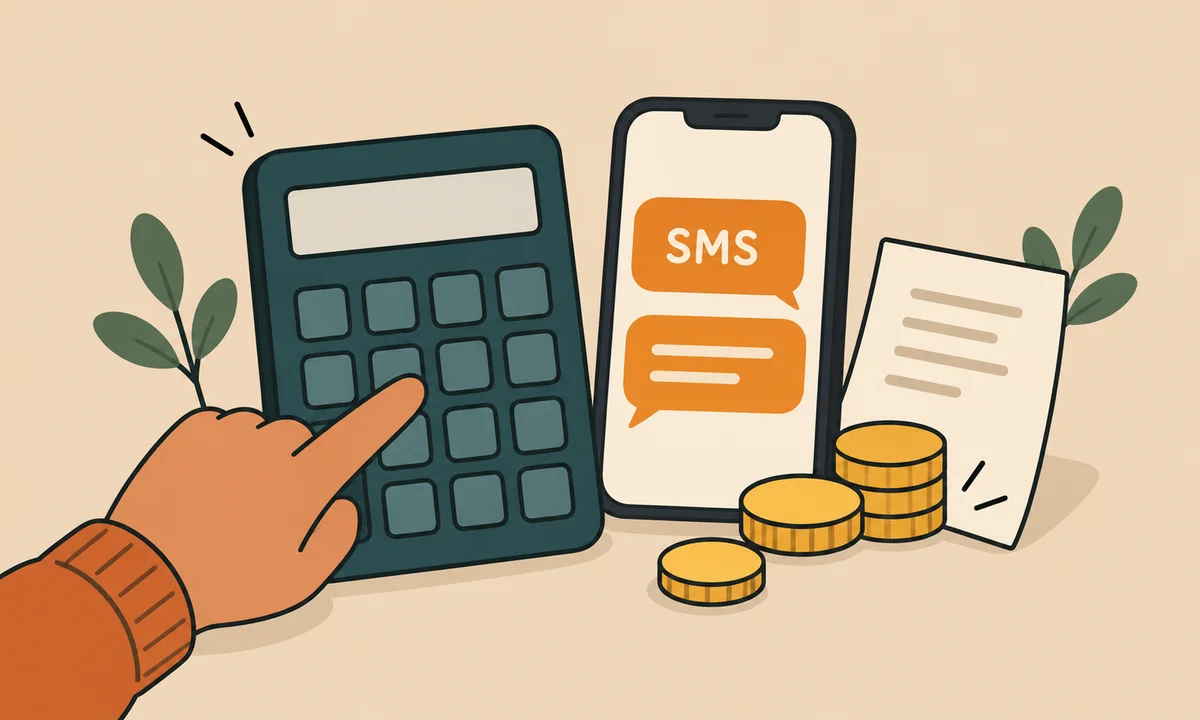
That is why, when comparing offers, you need to look not only at the number of recipients but also at the length of the message.
A standard SMS using the basic GSM alphabet can be up to 160 characters long. Using characters that require Unicode encoding, including Polish diacritics, can reduce the limit of a single message to 70 characters. A longer SMS is split into parts that are billed separately.
Before a larger campaign, check how many segments the final message consists of. A dozen extra characters can have a bigger impact on the total cost than a small difference between providers' rates. You will find more on this in the SMS-Fly offer.
You do not have to start with a big campaign. You will learn more from a short test on a small group of numbers.
Such a test will show not only which features the system has, but above all whether they are convenient to use in practice. This is especially important if several people will be using the tool later.

The panel works well when campaigns are prepared by an employee: they choose the database, type the message, set the date and start the send. It is a convenient solution for promotions, reminders or occasional announcements.
An API is needed when a message has to be sent automatically, without an employee - e.g. after an order is placed, its status changes, a customer signs up, an appointment is approaching or another event is recorded in the system.
SMS-Fly lets you use both the SMS gateway operated from the panel and the API and ready-made integrations. This way you can start with simple campaigns and automate further processes as needed, without changing providers.
Not always. Besides the rate per single message, compare how segments are billed, extra fees, features, reporting, integrations and support. What matters most is the total cost for the way you use the system.
No. It means the operator has confirmed delivery of the message, not that the recipient has read it.
It depends on the provider. At SMS-Fly standard activation takes 5-10 days, so it is worth factoring this time into planning your first campaign.
When the send is to be triggered by the company's system rather than an employee. This applies, among others, to automatic order updates, appointment reminders, CRM notifications or messages generated by an app.
Multiply the number of recipients by the number of message segments and your rate per SMS. Check the text length before sending, because a longer message may be billed as several SMS.
A good SMS gateway should help you prepare campaigns faster, automate recurring notifications, control costs and check the status of sent messages. It does not have to offer the most features - it is more important that the ones you actually use work smoothly and are easy to use.
So compare several offers against the same criteria, calculate the cost on your own example and run a short test send. This makes it easier to judge which solution best fits the way your company works.
Check out the SMS-Fly gateway and see what sending could look like in your company.
Before starting a campaign, also check the current SMS-Fly price list.