
An SMS gateway for business is a service that lets you send SMS messages to customers from a browser panel, from a file or automatically from your store and CRM system. With SMS-fly the message arrives within seconds, the sender field shows your company name, and the report tells you whether it was delivered.
It is an effective communication tool with no contracts and no fixed fees. You pay only for the messages you send, and to start you get:
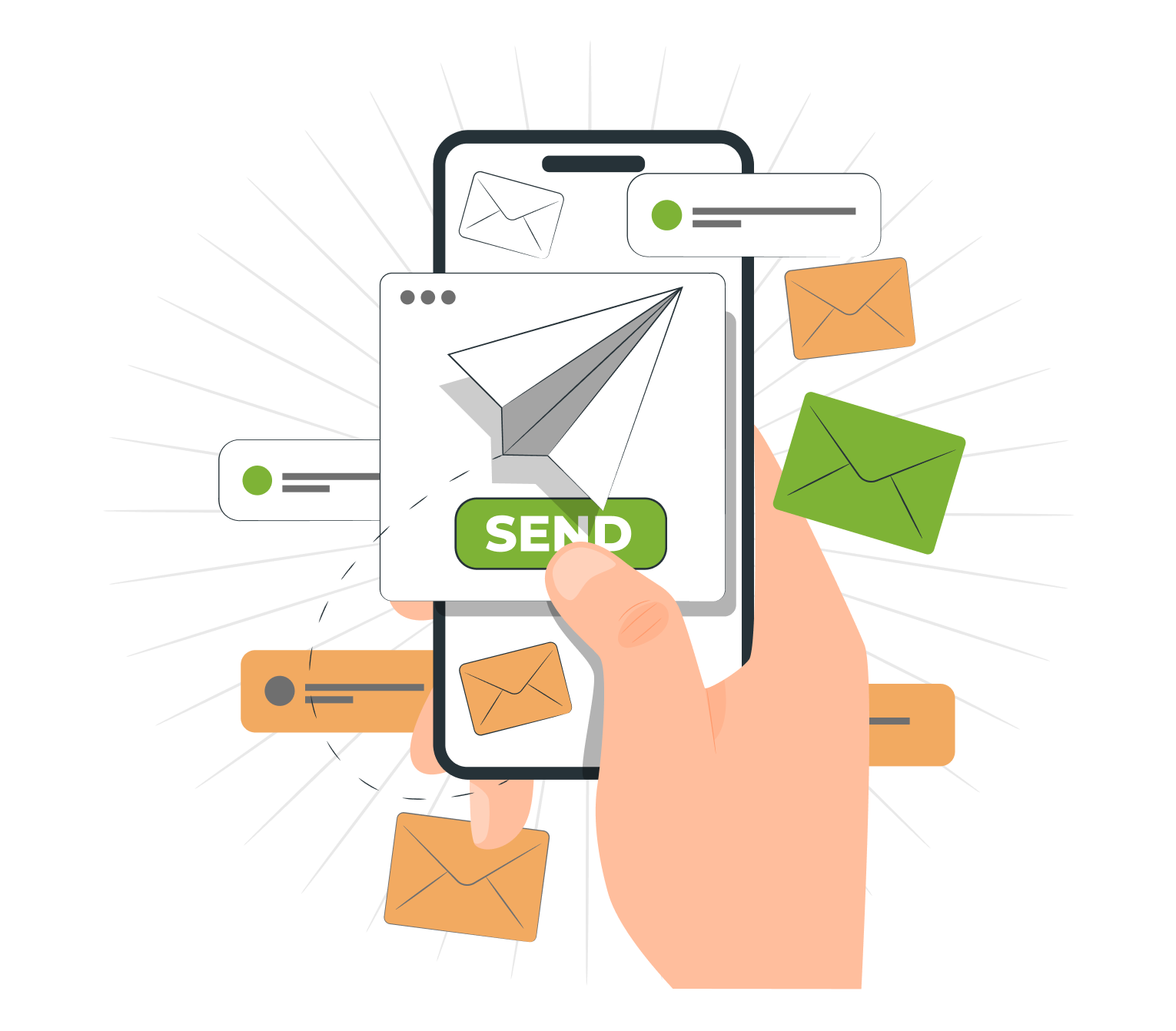
An SMS gateway is an internet service that passes text messages from a computer or business system to mobile networks, and from there to recipients' phones. The company prepares the content and the list of numbers, the platform handles the sending, and shortly afterwards it returns a delivery report.
The path of a single message looks like this:
Such solutions are used to send and receive messages in business communication. They require no phone, SIM card or extra hardware – an account on the platform is enough.
An online SMS gateway is the easiest way to start. You log in to the panel in your browser, paste or import contacts, type the message and click “Send”. Once logged in you have access to all features: recipient groups, templates, sender ID and statistics.
The panel suits companies that send campaigns manually, e.g. promotions, event invitations or messages to employees.
The SMS API connects the platform to your company's software. Your store, CRM or application sends messages on its own the moment an event occurs: an order is placed, a status changes, an appointment is approaching or a login requires a code.
It is a solution for companies that send a large number of text messages and want sending to work without human involvement.
Technical details are on the SMS API page.
An effective SMS gateway delivers messages quickly, completely and with confirmation that they arrived. When choosing a provider, it is worth checking a few parameters that set a professional service apart from a simple sending site.
| Criterion | Why it matters | SMS-fly |
|---|---|---|
| Delivery time | a code or reminder must arrive immediately | usually a few seconds |
| Deliverability | the share of messages that actually reached recipients | delivery statuses in the panel; the actual rate depends on base quality and the operator |
| Operator connections | direct routes to mobile networks mean fewer delays | mobile operator networks |
| Throughput | how many messages the system sends per second for large sends | up to 1000 SMS per second |
| Delivery reports | you know who received the message and who didn't | reports with message statuses in the panel |
| Sender | the company name builds trust and recognition | sender ID of up to 11 characters |
| Experience | platform stability and support | on the market since 2008 |
A professional SMS gateway reaches recipients through direct connections with operators, not through a chain of intermediaries. Every additional intermediary is a risk of delays and undelivered messages.
The second pillar of effectiveness is reporting. Delivery statuses let you monitor every campaign, remove inactive contacts from your base and measure the effectiveness of marketing activities instead of guessing whether a message arrived.
The platform offers a set of tools for customer communication – from single notifications to sends to hundreds of thousands of recipients.
Bulk SMS sending lets you send one campaign to thousands of recipients at once. You split contacts into recipient groups, e.g. “regular customers”, “new customers” or “employees”, and send a different message to each group.
Read more about this feature on the bulk SMS sending page.
A sender ID is the sender name shown to the recipient instead of a phone number, e.g. “SalonEwa” or “ShopABC”. It can have up to 11 characters. A message from a recognisable sender inspires more trust than text from an unknown number, which is why a sender ID is standard in SMS marketing. See how SMS with a company name works.
Message personalisation means inserting a specific recipient's data into the content, e.g. their name, order number or appointment time. Example:
“Ms Anna, order no. 4821 has been shipped. The courier will deliver it tomorrow. ShopABC”
You import your contact base from a CSV or Excel file, so you don't have to retype contacts manually. Instructions are on the sending SMS from a file page.
Automation takes repetitive tasks off your team. The system itself sends order notifications, appointment reminders or birthday wishes. Scheduling lets you prepare a send in advance and send it at a chosen time.
Details: automated SMS sending.
Every message sent has a status visible in the panel. You can track sends as they happen, check the number of deliveries and compare the results of successive sends.
SMS enables quick contact where email gets lost in the inbox and a phone call is too intrusive. In the digital age it is still a communication channel that reaches the customer without an app or internet access. Here is how companies from different industries use this channel:
In each of these cases messages to customers support both customer service and sales: the customer gets the information they need, and the company gains another conversion opportunity.
Even the best platform won't help if the message is unclear. When creating content, it is worth following a few rules:
It is also good practice to test on a small group of recipients before sending to the whole base. Reports will show which version of the content brought more clicks or replies.
Companies can choose from several mobile communication channels: SMS and MMS, email, in-app push notifications, messengers, and voice calls and messages. Each has its place, but text messages stand out with three features:
That is why text messages work best for urgent, short information: codes, reminders, order statuses and time-limited offers. Leave email for longer content, and voice messages for situations where a conversation matters.
Integrating the SMS gateway means messages are sent automatically from the system you already use. SMS-fly connects to popular platforms through ready-made modules and plugins:
If your system isn't on the list, a developer can connect it via API. The full list is on the SMS gateway integrations page, and implementation examples are in the descriptions of the OpenCart and Bitrix24 integrations.
SMS sending gateways are either free or paid (commercial). Free ones work for occasional private messages. A company that runs campaigns, sends notifications or codes needs a paid service – with a sender name, reports and GDPR compliance.
| Feature | Free gateway | Commercial gateway (SMS-fly) |
|---|---|---|
| Message limit | usually a few per day | you pay for each message sent |
| Bulk sending | none | yes, to thousands of recipients |
| Sender | a random number or the service name | your company name (sender ID) |
| Ads in content | often a service footer | none |
| Delivery reports | none | yes, in real time |
| API and integrations | none | API, e-commerce and CRM plugins |
| Personal data | usually no data processing agreement | GDPR-compliant processing |
| Cost | PLN 0 | from PLN 0.054 per message |
The cost difference is a few grosz per message, while the difference in capabilities decides whether this channel is suitable for business communication at all.
At SMS-fly you pay only for the messages you send – no subscription, contract or fixed fees. The price depends on the number of messages sent per month:
| Messages per month | Price per message |
|---|---|
| 1–10,000 | PLN 0.069 |
| 10,001–50,000 | PLN 0.064 |
| 50,001–100,000 | PLN 0.062 |
| 100,001–500,000 | PLN 0.059 |
| 500,001–1,000,000 | PLN 0.054 |
| over 1,000,000 | individual quote |
Prices shown are net. The account works on a prepaid basis — you top up your balance before sending.
How many characters does one message have? A standard SMS holds 160 characters without Polish letters. If you use characters such as “ą” or “ś”, the limit drops to 70 characters. Longer messages are split into parts, and each part is billed separately.
Example: a campaign to 5,000 customers with a message of up to 160 characters costs 5,000 × PLN 0.069 = PLN 345. All tiers are in the full price list.
Launching the service takes a few minutes:

A phone number is personal data, so sending must comply with GDPR. Your company is the controller of your customers' personal data, and SMS-fly processes it solely to carry out the sends.
Before sending a marketing message you need the recipient's consent to marketing communication, as required by the Polish Electronic Communications Law. Transactional notifications, e.g. about order status, are not marketing in nature. In every promotional message it is worth giving the recipient a simple way to opt out. Read more in the article GDPR-compliant SMS sending.
Yes. An SMS gateway for business is a service paid per message sent. SMS-fly has no subscription and no fixed fees – you pay from PLN 0.054 to PLN 0.069 per message, depending on the number of sends per month. To start you get 10 free test SMS.
One SMS holds 160 characters without Polish letters, or 70 characters if the content includes Polish characters. A longer message is split into several parts, and each part is billed separately.
Yes. The sender ID feature lets you set a sender name of up to 11 characters, e.g. your store or brand name. The recipient sees it instead of a phone number, which increases recognition and trust in the message.
Messages usually arrive within a few seconds, but delivery time depends on the operator and the recipient's phone. You can check the status in the panel.
A free gateway has daily limits, doesn't allow bulk sending or your own sender name, and provides no reports. A paid business service offers a sender ID, sending to thousands of recipients, an API, statistics and GDPR-compliant data processing.
The fastest way is a ready-made plugin, e.g. for PrestaShop, WooCommerce or Bitrix24. If there is no plugin, your developer can connect the system via API and set up automatic notifications.
Yes. You need the recipient's consent to send marketing content. The rules depend on the purpose of the message and the applicable legal basis. Marketing messages require prior consent where the law requires it.
Yes. After registration you get 10 free SMS to check the panel, delivery speed and how the message looks on the phone – with no contract and no fixed fees.
Effective customer communication starts with a single message. Create an SMS-fly account, send 10 messages for free and see how the SMS gateway for business fits your business needs – from single notifications to bulk SMS sending.
Registration See solutions for business