
An SMS server is a tool that lets a company automatically send thousands of messages straight from its own application, online store or CRM system. The SMS-fly server accepts up to 1000 SMS per second via HTTP API and SMPP, returns delivery reports and processes data in line with GDPR.
It is a professional mobile communication channel that brings your offer directly to the customer: no software to install, no contracts and no fixed fees. Since 2008 more than 100,000 customers have trusted us, and over 30 billion messages have passed through our platform.
Create an account and get free SMS to test your integration.
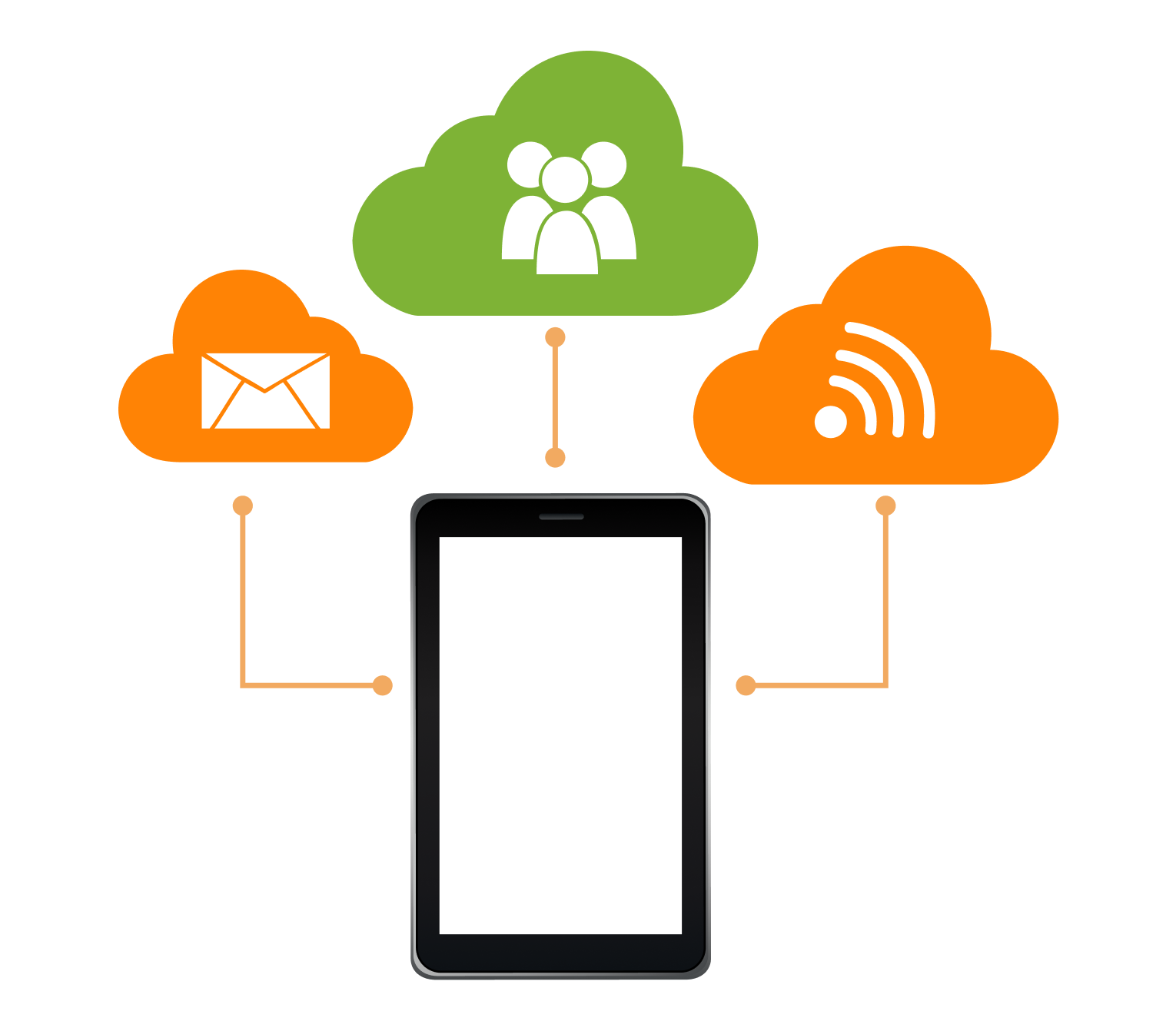
An SMS server is a system that sits between your software and mobile operator networks. It accepts sending requests, queues them, passes them on to the operator and reports back the status of every message. This way an application sends SMS without a phone or a SIM card.
In practice an SMS server works as an SMS gateway for business systems. A developer sends it a request with the recipient number and the text, and the infrastructure handles the rest: routing to the right network, retries and reporting.
Your own SMS server is usually a computer with a GSM modem and a SIM card. It works for a few messages a day, but at a larger scale its limits show up quickly.
| Criterion | Own server with a GSM modem | Cloud SMS server (SMS-fly) |
|---|---|---|
| Start-up cost | hardware, SIM cards, configuration | none – registration and an API key |
| Throughput | limited to what the modem can handle | up to 1000 SMS/s |
| Sender | the SIM card phone number | company name as the sender (sender ID) |
| Maintenance | on the company side (hardware, outages, updates) | on the provider side |
| Delivery reports | limited | full statuses in the panel and via webhooks |
If you send more than a few hundred messages a day or need your own sender name, a cloud SMS server is cheaper to maintain and more predictable.
Today the market offers many channels: MMS, VMS voice messages, RCS, push notifications and messengers such as Viber and WhatsApp. Each of them, however, comes with extra requirements: an installed app, an internet connection or a compatible phone.
An SMS reaches every active number regardless of the phone model or internet access. That is why it remains a key element of transactional notifications and mobile marketing.
Sending through the SMS-fly server takes four steps:
The main integration method is a REST API over an encrypted HTTPS connection. Requests and responses are sent in JSON, so any programming language can handle them. The API documentation includes examples in PHP and Python, and a typical integration can be up and running in about 30 minutes.
Read more about integration on the SMS API page.
SMPP is a telecom industry standard that keeps a persistent connection to the server. It is chosen by companies sending hundreds of thousands of messages a month and by systems that already have built-in SMPP support. For older systems a Web Service interface is available as an alternative.
Feedback is a key element of professional sending. The SMS-fly server returns the status of every message (sent, delivered, undelivered). It can also push it automatically to a given address via a webhook. Your system knows right away which customer received the code or notification.
All features are available right after registration, with no extra software to install:
The SMS-fly server handles up to 1000 messages per second, so a bulk send to 100,000 recipients takes under two minutes. This matters for campaigns with a short time window, such as Black Friday, and for one-time codes, where every second counts.
Reliability is ensured by:
When planning your content, keep the character limit in mind. A single SMS holds 160 characters without Polish letters or 70 characters with Polish characters (Unicode encoding). Longer messages and long link addresses cause the message to be split into several parts.
Both solutions use the same infrastructure and a single account. They differ in how you work with them:
Many companies use both: they plan SMS campaigns in the panel and send transactional notifications automatically through the server.
An SMS server lets you run both transactional communication and effective marketing. Here are a few ideas from different industries:
Case study: An online store sent 12,000 SMS about a promotion to customers who had agreed to receive marketing communication. With an assumed deliverability of 96%, the messages reached 11,520 recipients. A 2.5% conversion rate means 288 orders. With an average basket value of PLN 160, the revenue attributed to the campaign was PLN 46,080. The sending cost at PLN 0.064 per SMS was PLN 768.
You will find all industries in the business solutions section.
You don't have to build the integration from scratch. The SMS-fly SMS server connects to popular platforms through ready-made modules:
See the full list on the API integrations page.
Every connection to the server is encrypted (HTTPS), and we store data in accordance with European Union law. Recipient privacy is protected by GDPR compliance. We cover the details, including marketing consent, in the article GDPR-compliant SMS sending.
You pay only for the messages you send, with no subscription and no fixed fees. The higher the volume, the lower the price:
| SMS per month | Price per SMS (PLN) |
|---|---|
| 1–10,000 | 0.069 |
| 10,001–50,000 | 0.064 |
| 50,001–100,000 | 0.062 |
| 100,001–500,000 | 0.059 |
| 500,001–1,000,000 | 0.054 |
| over 1,000,000 | individual rate |
For more than a million messages a month we can offer individual terms. See the full price list.
We have been operating on the Polish market since 2008. Our numbers:
Have a technical question or need an offer for a large volume? Customer support is available by email (info@sms-fly.pl) and by phone (+48 579 779 448).
An SMS gateway is a browser panel for manual sending. An SMS server connects to your system via API or SMPP and sends messages automatically. Both solutions run on a single SMS-fly account.
Up to 1000 messages per second. A campaign to 100,000 recipients goes out in less than two minutes.
Yes. In addition to the HTTP API we provide the SMPP protocol for high volumes and a Web Service interface.
Polish characters require Unicode encoding, which shortens a single SMS to 70 characters. Longer messages are split into parts.
There is no subscription and no fixed fees. The price depends on the monthly volume and ranges from PLN 0.069 to PLN 0.054 per message. Above one million SMS we set an individual rate.
Yes. Connections are encrypted and we store data in accordance with EU law. The sender is responsible for having consent for marketing communication.
Getting started takes three steps:
Start sending SMS today, and if you have any questions we will help you choose the right integration method.
Registration See solutions for business